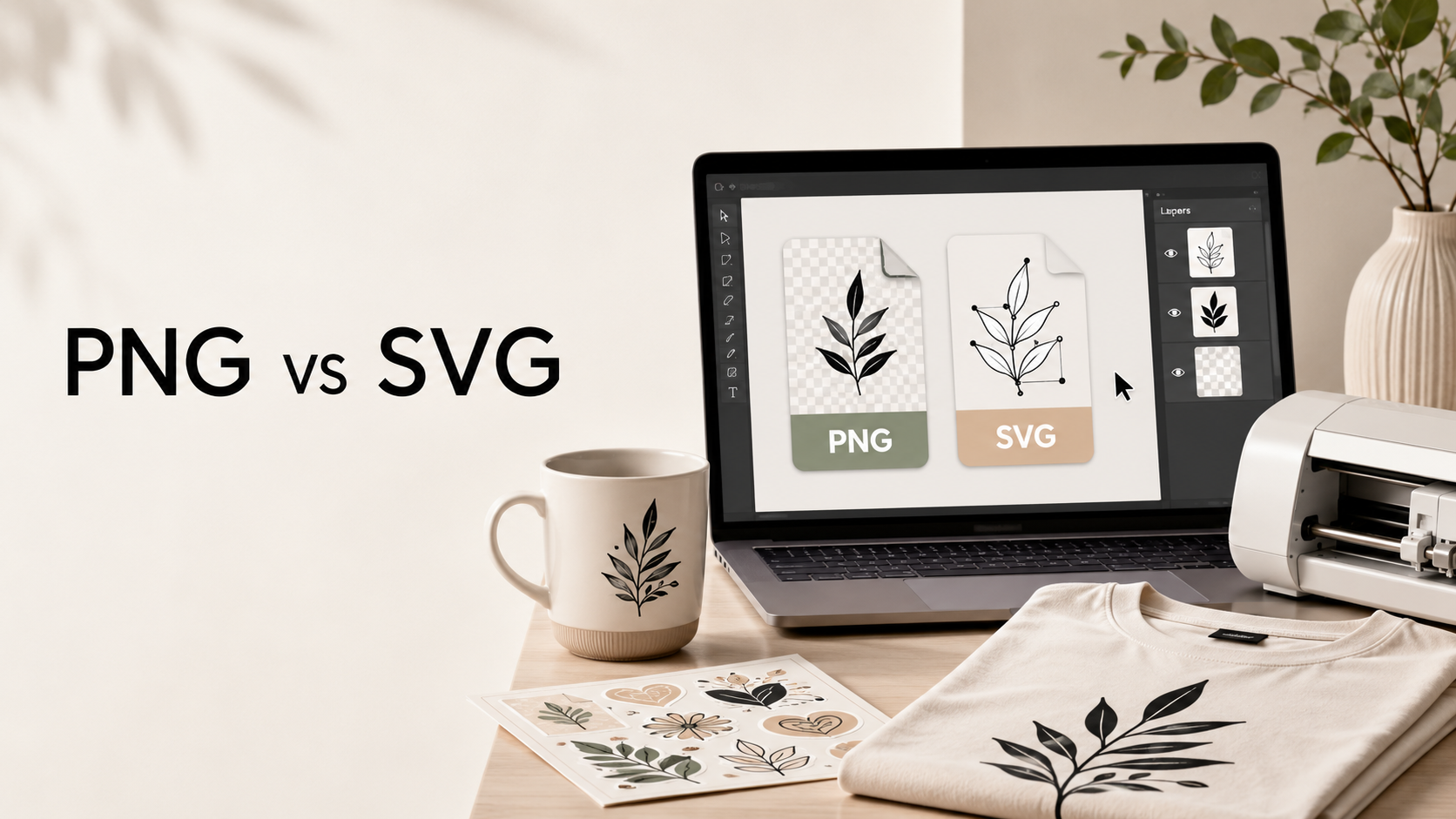
Digital design files can make creative projects faster, easier, and more professional. But if you are new to digital downloads, you may wonder what the difference is between PNG and SVG files.
Both formats are useful, but they are made for different types of projects. In this guide, we will explain what PNG and SVG files are, when to use them, and how to choose the best file type for your next creative project.
What Is a PNG File?
A PNG file is an image file with a fixed resolution. Many PNG designs come with a transparent background, which makes them useful for T-shirts, mugs, stickers, cards, posters, and digital mockups.
PNG files are popular because they are easy to use. You can upload them to many design platforms, place them on products, and use them in print-on-demand projects when the file quality is high enough.
PNG is a great choice when you want a finished design that is ready to place on a product.
What Is an SVG File?
An SVG file is a vector file. This means it can be resized without losing quality. SVG files are especially useful for cutting machines like Cricut and Silhouette because the design stays clean and sharp at different sizes.
SVG files are often used for vinyl projects, decals, signs, stickers, layered designs, and custom craft projects.
SVG is a great choice when you need a design that can be edited, resized, or cut with precision.
PNG vs SVG: The Main Difference
The biggest difference between PNG and SVG is how they handle size and quality.
A PNG file is made of pixels, so it has a fixed size. If you make it too large, it may become less sharp. An SVG file is made of paths and shapes, so it can scale up or down without losing quality.
For simple use, PNG is often easier. For cutting and resizing, SVG is usually better.
When Should You Use PNG Files?
Use PNG files when you need a ready-made design for printing or digital use.
PNG files are useful for:
- T-shirt designs
- Mug designs
- Sticker designs
- Print-on-demand products
- Social media graphics
- Digital mockups
- Printable artwork
If the PNG has a transparent background and high resolution, it can be a strong option for many creative projects.
When Should You Use SVG Files?
Use SVG files when you need flexibility, resizing, or cutting.
SVG files are useful for:
- Cricut projects
- Silhouette projects
- Vinyl decals
- Layered crafts
- Signs and labels
- Stickers
- Custom product designs
If you are working with a cutting machine, SVG is usually the better format.
Which File Type Is Best for Print-on-Demand?
For print-on-demand, PNG files are commonly used because they are easy to upload to many platforms and can work well for T-shirts, mugs, tote bags, posters, and stickers.
The most important thing is quality. A good PNG should have a transparent background, clean edges, and a size that fits your product.
SVG files can also be useful during the design process, especially if you want to resize or edit the design before exporting it.
Which File Type Is Best for Cricut and Silhouette?
For Cricut and Silhouette, SVG files are usually the best choice. They are made for clean lines, easy resizing, and cutting machine compatibility.
PNG files can still be used in some projects, but SVG gives you more control when cutting vinyl, paper, decals, and layered designs.
Why Readwix Offers Multiple File Types
At Readwix, we create digital design files for creators, crafters, small businesses, and print-on-demand sellers. Different projects need different file types, so having access to PNG, SVG, templates, and bundles can save time and make your workflow easier.
Before downloading a design, always check the product description to see what file types are included and how the design can be used.
Final Thoughts
PNG and SVG files are both useful, but they serve different purposes. PNG files are great for finished designs and print-on-demand projects. SVG files are better for cutting machines, resizing, and editable craft projects.
If you are building a digital design library, it is smart to use both formats. That way, you can create T-shirts, mugs, stickers, vinyl decals, printables, and custom products with more flexibility.
Ready to start creating? Browse Readwix PNG files, SVG files, and digital bundles to find designs for your next project.
FAQ
Is PNG or SVG better for T-shirts?
PNG is usually easier for T-shirt printing, especially when it has a transparent background and high resolution.
Is SVG better for Cricut?
Yes. SVG is usually better for Cricut and Silhouette because it can be resized and cut cleanly.
Can I use PNG files for print-on-demand?
Yes, PNG files are commonly used for print-on-demand products when the file is high quality.
Can I resize an SVG file?
Yes. SVG files can be resized without losing quality.
Does Readwix sell digital or physical products?
Readwix sells digital downloads. No physical product is shipped.


Reader notes
Join the conversation
Ask a question, share how you would use the idea, or leave a helpful note for other creators.