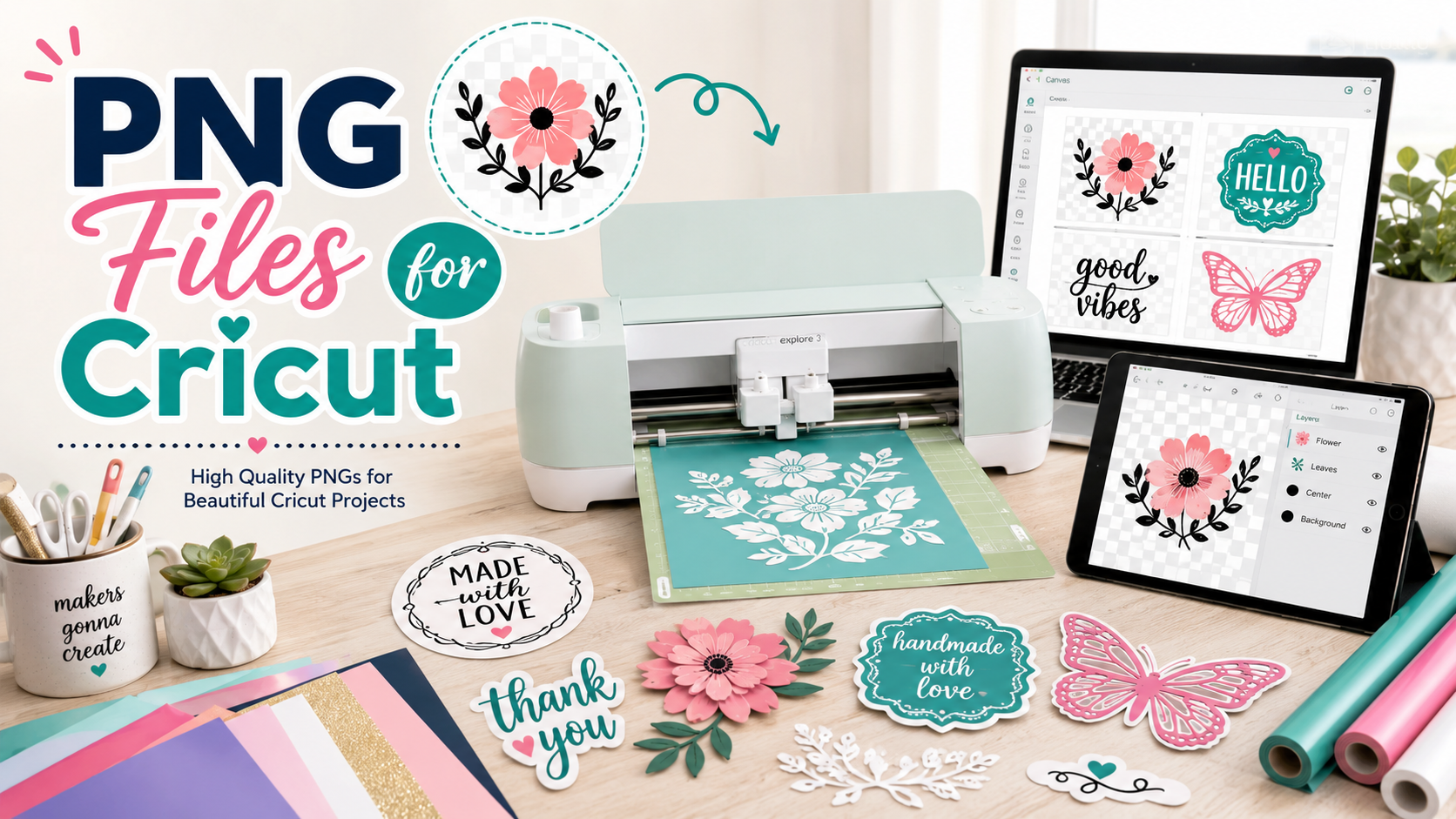
If you love creating custom stickers, shirts, mugs, tumblers, labels, decals, invitations, party decorations, or handmade gifts, then PNG files for Cricut can become one of your favorite design resources. They are simple to use, beginner-friendly, colorful, and perfect for many creative Cricut projects.
A PNG file is an image file that often supports a transparent background. That means the design can appear clean around the edges without a white box behind it. For Cricut users, this is especially useful when creating Print Then Cut projects, sticker sheets, printable vinyl designs, sublimation prints, and custom gift items.
Whether you are a beginner learning Cricut Design Space or a small business owner selling handmade crafts, high-quality PNG files can save time and help your finished products look polished and professional.
What Are PNG Files for Cricut?
PNG files for Cricut are digital image files that you can upload into Cricut Design Space and use in your craft projects. They are commonly used for colorful, detailed artwork such as quotes, illustrations, watercolor graphics, holiday designs, sticker art, shirt designs, and sublimation graphics.
Unlike SVG files, which are vector files and can contain separate cut layers, PNG files usually work as single-layer images. This makes them especially useful for printed projects rather than layered vinyl projects.
For example, if you want to make a full-color sticker with a cute floral quote, a PNG file is a great choice. You can upload the design, resize it, print it on sticker paper, and cut it with your Cricut machine using Print Then Cut.
Why PNG Files Are Popular for Cricut Projects
PNG files are popular because they are easy to use and visually attractive. Many crafters choose PNG files because they allow more detail, color, shading, texture, and artistic style than basic cut files.
A PNG design can include watercolor effects, realistic textures, glitter-style artwork, shadows, hand-drawn illustrations, patterns, and full-color graphics. This makes PNG files ideal for crafters who want their projects to stand out.
They are also great for beginners because you do not need to manage multiple layers. You upload the file, clean it if needed, choose the right operation, and start creating.
Best Cricut Projects to Make with PNG Files
PNG files can be used for many different Cricut craft ideas. Some of the most popular projects include:
Stickers are one of the best uses for Cricut PNG files. You can create planner stickers, laptop stickers, water bottle stickers, business packaging stickers, thank-you stickers, party favor stickers, and label stickers.
Custom shirts are another popular option. PNG designs work well for printable iron-on, sublimation, and heat transfer projects. You can create birthday shirts, family shirts, holiday shirts, teacher shirts, mom shirts, sports shirts, and funny quote shirts.
Mugs and tumblers are also excellent projects for PNG files. High-resolution PNG graphics can be used for sublimation mugs, tumbler wraps, coffee cup designs, and personalized drinkware.
PNG files are also useful for party decorations. You can create cake toppers, cupcake toppers, invitations, favor tags, banners, labels, and themed decorations for birthdays, weddings, baby showers, graduations, holidays, and school events.
For small business owners, PNG files can help create packaging labels, branding stickers, product tags, thank-you cards, promotional inserts, and custom merchandise.
PNG vs SVG for Cricut: Which One Should You Use?
One of the most common questions Cricut beginners ask is whether they should use PNG or SVG files. The answer depends on your project.
Use PNG files when you want a colorful printed design. PNG is a strong choice for stickers, printable vinyl, sublimation, mugs, tumblers, shirts, and full-color artwork.
Use SVG files when you want to cut separate layers from vinyl, cardstock, iron-on, or paper. SVG files are better for layered cut projects because they are vector-based and can keep individual design elements separated.
A simple way to remember it is this: PNG is best for printing, and SVG is best for cutting layers.
That does not mean PNG files cannot be used with Cricut. They absolutely can. You just need to choose the right type of project. PNG files shine when your goal is a full-color printed result.
What Makes a Good PNG File for Cricut?
Not all PNG files are created equal. A high-quality PNG file can make your Cricut project look clean, sharp, and professional. A low-quality file can look blurry, pixelated, or rough around the edges.
When choosing PNG files for Cricut, look for these features:
A transparent background is very important. This helps your design look clean and makes it easier to use for stickers, shirts, mugs, and labels.
High resolution matters. A 300 DPI PNG file is usually better for printing because it helps the design stay crisp and clear.
Clean edges are also important. The design should not have random white outlines, messy pixels, or leftover background marks.
Good contrast helps the design print clearly. If the colors are too dull or too light, the final result may not stand out.
A strong design style also matters. Trendy, clear, easy-to-read designs usually perform better for craft projects and digital downloads.
How to Upload PNG Files to Cricut Design Space
Uploading a PNG file to Cricut Design Space is simple. Start by opening a new project in Design Space. Select Upload, choose your PNG file, and follow the upload steps.
If your PNG has a transparent background, the process is usually easier because you may not need to remove any background. If the design has a white or colored background, you may need to use the background removal tools or clean up the image manually.
After uploading, choose the correct image type. For many PNG projects, you will save the design as a Print Then Cut image. Once the file is saved, insert it into your canvas, resize it, and prepare it for your project.
Before printing, always check the size, colors, and placement. For stickers, you may want to add an offset or border. For shirts and sublimation, make sure your design size fits the blank item you are using.
Tips for Better Cricut PNG Results
To get better results with PNG files for Cricut, always start with a high-resolution design. A blurry file will not magically become sharp after uploading. The better the original file, the better the final craft.
Use transparent PNG files whenever possible. Transparent backgrounds help avoid unwanted boxes or background shapes around your design.
For sticker projects, test print before making a full sheet. This helps you check the colors, size, border, and cut alignment.
For shirt designs, make sure your material matches your project. Printable iron-on, sublimation paper, and printable vinyl all work differently, so always follow the instructions for your material.
For small business products, keep your designs consistent. If you sell stickers, shirts, or mugs, choose PNG files that match your brand style. This makes your shop look more professional and trustworthy.
Best Ideas for Selling Crafts Made with Cricut PNG Files
PNG files are not only useful for personal crafts. They can also help small business owners create products that customers want to buy.
Some high-demand product ideas include custom name stickers, teacher appreciation gifts, birthday shirts, holiday mugs, wedding favor tags, baby shower labels, planner stickers, laptop stickers, water bottle decals, sublimation tumblers, and personalized tote bags.
Seasonal designs can also sell well. Christmas, Halloween, Valentine’s Day, Easter, Mother’s Day, Father’s Day, graduation, back-to-school, and summer designs are popular because shoppers often look for themed gifts and decorations.
Quote-based PNG designs can also perform well. Funny quotes, inspirational quotes, teacher quotes, mom quotes, faith-based quotes, coffee quotes, and pet lover quotes are popular because they connect with specific audiences.
The key is to choose PNG files that are clear, attractive, and targeted to a specific buyer.
How to Choose the Best PNG Files for Cricut
Before downloading or buying PNG files for Cricut, think about your project goal. Are you making stickers? Shirts? Mugs? Party decor? Product labels? Each project may need a different style of PNG.
For stickers, choose designs with bold outlines, clean shapes, and readable text.
For shirts, choose designs that are large enough to print clearly and easy to read from a distance.
For mugs and tumblers, choose designs that fit the shape of the product and still look good when wrapped or placed on a curved surface.
For labels and packaging, choose simple designs that stay readable at smaller sizes.
For sublimation, choose vibrant, high-resolution artwork with strong color and detail.
Common Mistakes to Avoid with Cricut PNG Files
One common mistake is using a low-resolution PNG. If the image looks blurry on your screen, it will likely look blurry when printed.
Another mistake is using a PNG with a hidden background. Sometimes a file looks transparent, but it actually has a white box behind it. Always check before printing.
A third mistake is resizing the design too much. Making a small PNG much larger can reduce quality.
Another issue is choosing the wrong operation in Design Space. For colorful PNG projects, Print Then Cut is often the right choice. For layered vinyl cutting, an SVG may be better.
Finally, always check licensing. Some PNG files are for personal use only, while others allow commercial use. If you plan to sell physical products made with the design, make sure the license allows it.
Why High-Quality PNG Files Can Improve Your Cricut Projects
High-quality PNG files help your projects look more professional. They save time, reduce editing work, and give you better results.
Instead of struggling with blurry images, messy backgrounds, or weak designs, you can start with a polished PNG file that is already prepared for crafting.
This is especially important if you sell handmade products. Customers notice clean edges, bright colors, readable text, and professional-looking designs. A better file can lead to better products, better photos, and better sales.
Final Thoughts
PNG files for Cricut are a must-have for anyone who loves colorful, creative, and easy-to-use craft designs. They are perfect for Print Then Cut projects, stickers, sublimation, shirts, mugs, tumblers, labels, party decorations, and handmade gifts.
If you want beautiful results, choose high-resolution PNG files with transparent backgrounds, clean edges, strong colors, and clear design quality. Whether you are crafting for fun or building a small handmade business, the right PNG files can help you create projects that look polished, personal, and ready to impress.


Reader notes
Join the conversation
Ask a question, share how you would use the idea, or leave a helpful note for other creators.